Raivcoo.com logo

Plugins

Bookmarks

About

    Raivcoo.com Footer Logo

    Raivcoo is your daily inspiration platform for video editors. Upload, share, and explore motion graphics while discovering new editing techniques every day.

    Platform

    • Feed
    • Bookmarks
    • Plugins

    Legal

    • Terms of Service
    • Privacy Policy
    • Community Guidelines

    Support

    • About
    • Help Center

    Connect

    • Twitter
    • Discord
    • YouTube
    • Email

    © 2026 Raivcoo. All rights reserved.

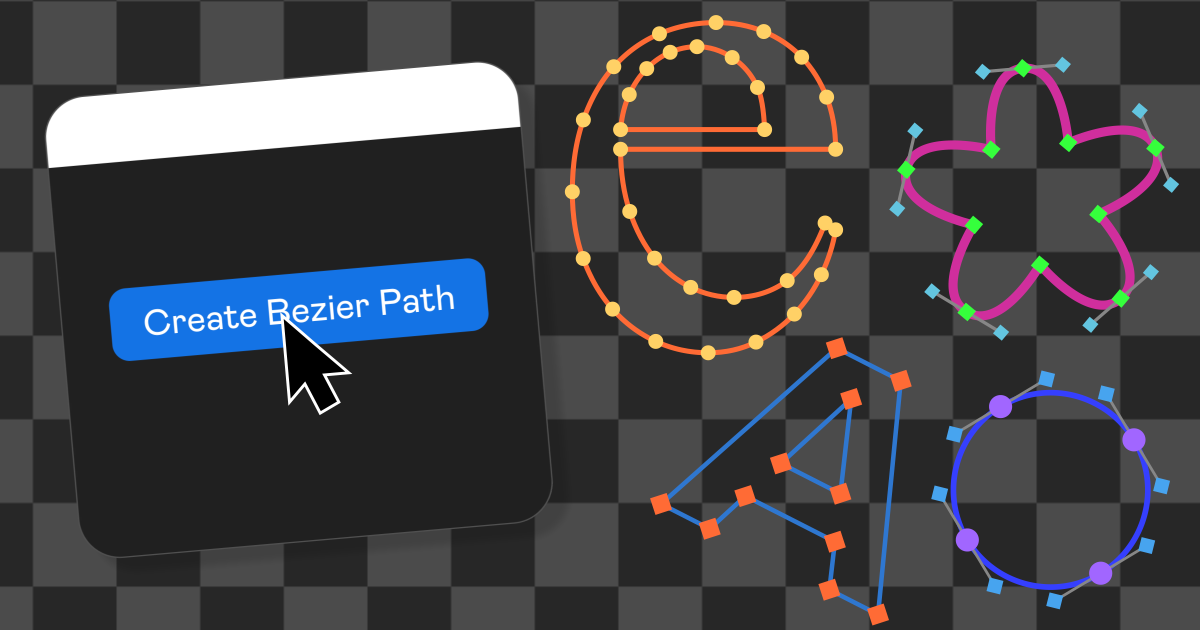
    Bezzy: Bezier Path Visualizer

    Visualize bezier paths directly in After Effects with a live overlay layer showing anchors, handles, and curves.

    Path Visualization

    Select any shape layer and generate a live overlay that draws the path, anchor points, and handles directly in your composition.

    • •

      Reads all shape groups and paths from the selected layer

    • •

      Draws the stroke path, anchor points, and bezier handles

    • •

      Supports closed and open paths

    • •

      Anchor and handle shapes: circle, square, or diamond

    • •

      Four color presets to match your style

    Effect Controls for Live Customization

    The generated layer comes with a full set of effect controls so you can tweak colors, sizes, and visibility without touching the plugin again.

    • •

      Toggle path, anchor points, and handles independently

    • •

      Color controls for path, points, handles, and handle lines

    • •

      Slider controls for stroke width, point size, and handle size

    • •

      All properties are expression-driven and keyframeable

    • •

      Changes update live directly in the composition

    System Requirements

    Technical details to ensure smooth performance.
    After Effects CC 2022 – CC 2025
    Tested
    Windows 10 or later
    Tested
    macOS 10.15 (Catalina) or later
    Should work
    Requires ZXP Installer

    $4.99

    Live bezier path overlay in your composition
    Customizable anchor, handle, and path appearance
    Effect controls for real-time tweaking without the plugin
    Product preview

    More Products

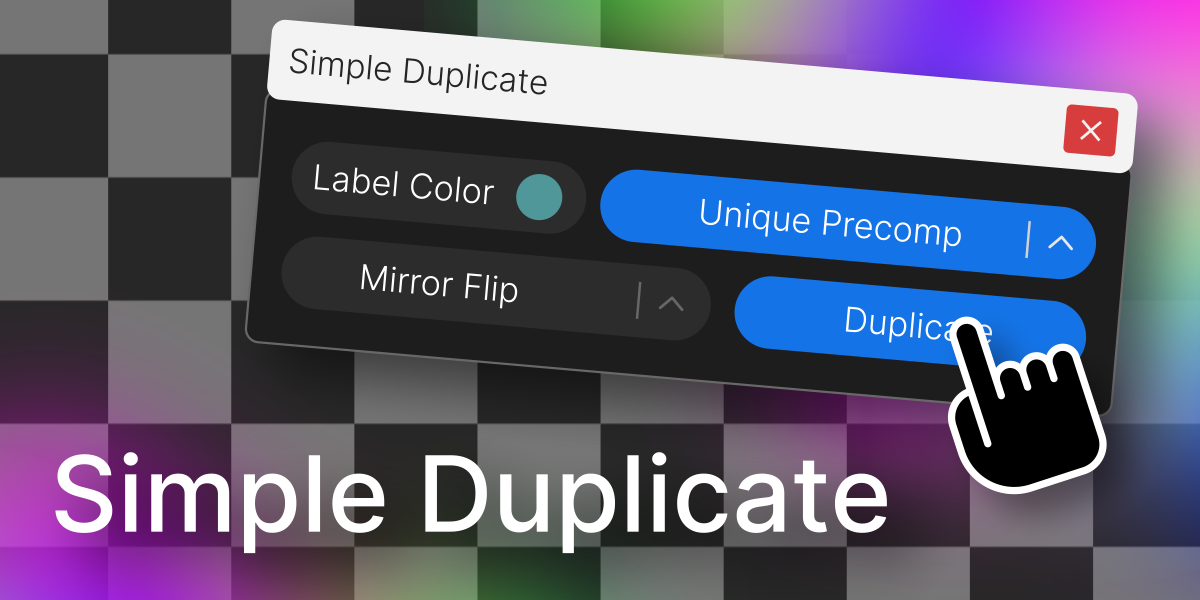
    Simple Duplicate

    Simple Duplicate

    Duplicate a layer with control over nesting levels, mirroring, and label color.

    Download For Free
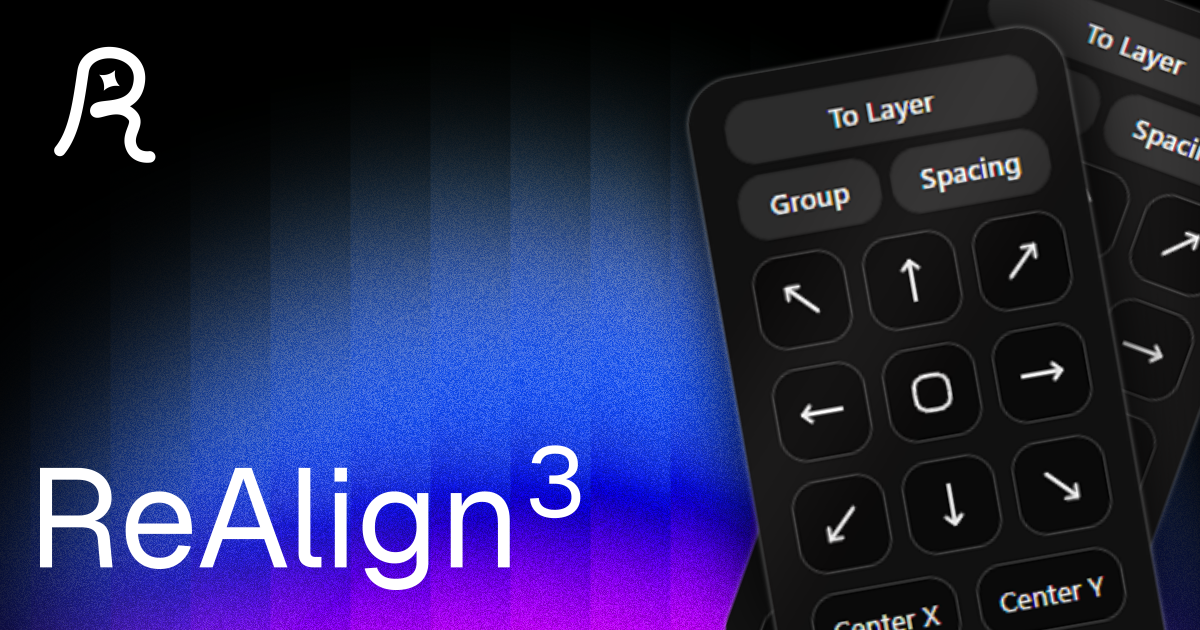
    Re-Align: Layer Alignment Tool

    Re-Align: Layer Alignment Tool

    Align layers and anchor points easily, add spacing, and organize your layouts.

    Download For Free
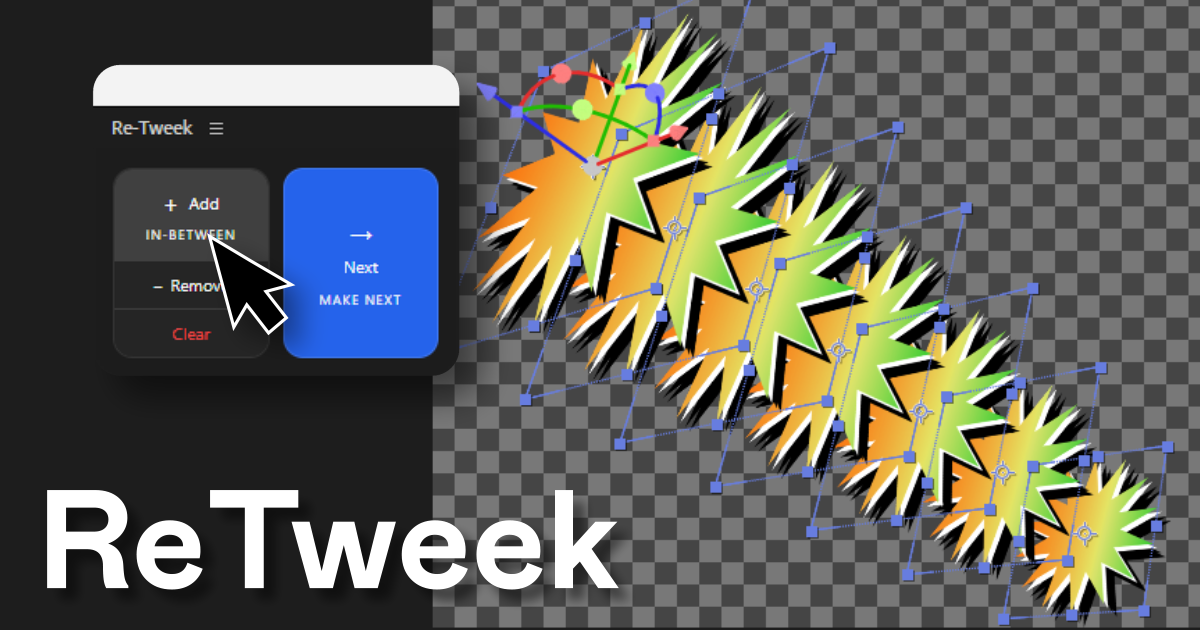
    Re-Tweek: Layer Tweening Tool

    Re-Tweek: Layer Tweening Tool

    Add in-between layers or predict the next one. Re-Tweek does the math for you.
    View Details