Raivcoo.com logo

Plugins

Bookmarks

About

    Raivcoo.com Footer Logo

    Raivcoo is your daily inspiration platform for video editors. Upload, share, and explore motion graphics while discovering new editing techniques every day.

    Platform

    • Feed
    • Bookmarks
    • Plugins

    Legal

    • Terms of Service
    • Privacy Policy
    • Community Guidelines

    Support

    • About
    • Help Center

    Connect

    • Twitter
    • Discord
    • YouTube
    • Email

    © 2026 Raivcoo. All rights reserved.

    Re-Align: Layer Alignment Tool

    Align layers and anchor points easily, add spacing, and organize your layouts.

    Layer and Anchor Alignment

    Align layers or anchor points to 9 positions in the composition. Hold Shift to switch between layer and anchor point alignment.

    • •

      Switch between layer and anchor alignment with Shift key

    • •

      9 position alignment grid for easy control

    • •

      Layer alignment shown in blue, anchor alignment in purple

    • •

      Compatible with spacing controls

    Smart Alignment

    Advanced alignment modes for working with layer groups and maintaining spacing relationships.

    • •

      Group alignment mode for unified movement

    • •

      Maintain horizontal spacing while shifting vertically

    • •

      Maintain vertical spacing while shifting horizontally

    • •

      Compatible with spacing controls

    Align to Selected Layer

    Align layers relative to a selected reference layer.

    • •

      Use any layer as alignment reference

    • •

      Compatible with margin and padding controls

    • •

      Works with both Center X/Y buttons and Smart mode alignment

    Quick Align X/Y

    Quickly align layers to match the X or Y position of your reference layer. Perfect for creating clean rows and columns.

    • •

      Match horizontal positions with Align X

    • •

      Match vertical positions with Align Y

    • •

      Use the last selected layer as reference

    • •

      Keep other positions unchanged

    Path Distribution

    Distribute layers evenly in a straight line between your first and last selected layers, creating perfect spacing automatically.

    • •

      Uses first and last layers as endpoints

    • •

      Perfect for creating motion paths

    • •

      Automatic spacing calculation

    • •

      Works with any number of layers

    System Requirements

    Technical details to ensure smooth performance.

    After Effects CC 2022 – CC 2025
    Tested
    Windows 10 or later
    Tested
    macOS 10.15 (Catalina) or later
    Should work
    Requires ZXP Installer
    Paid

    $10

    9-position alignment grid for layers & anchor points
    Smart group alignment with spacing control
    Align to any reference layer
    Quick Align X/Y to match reference layer position
    Path Distribution across first/last selected layers
    Trial

    Free

    14-day trial
    Everything in Paid, unlocked
    Full alignment grid, smart alignment & path distribution included
    No feature limits during the trial
    Requires an internet connection to verify trial status

    More Products

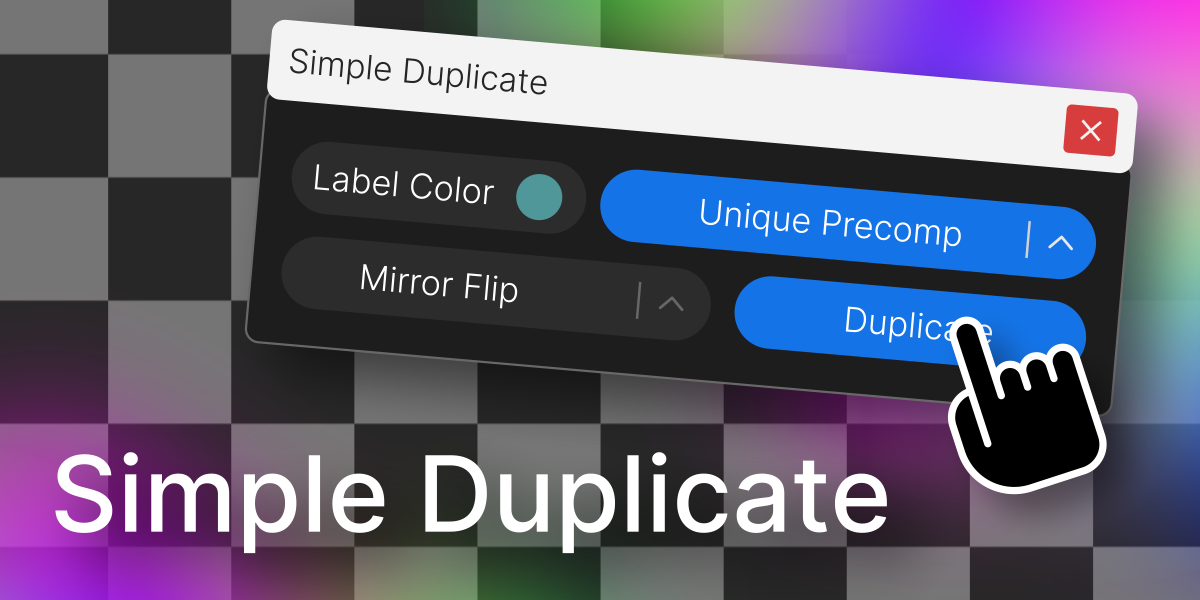
    Simple Duplicate

    Simple Duplicate

    Duplicate a layer with control over nesting levels, mirroring, and label color.

    Download For Free
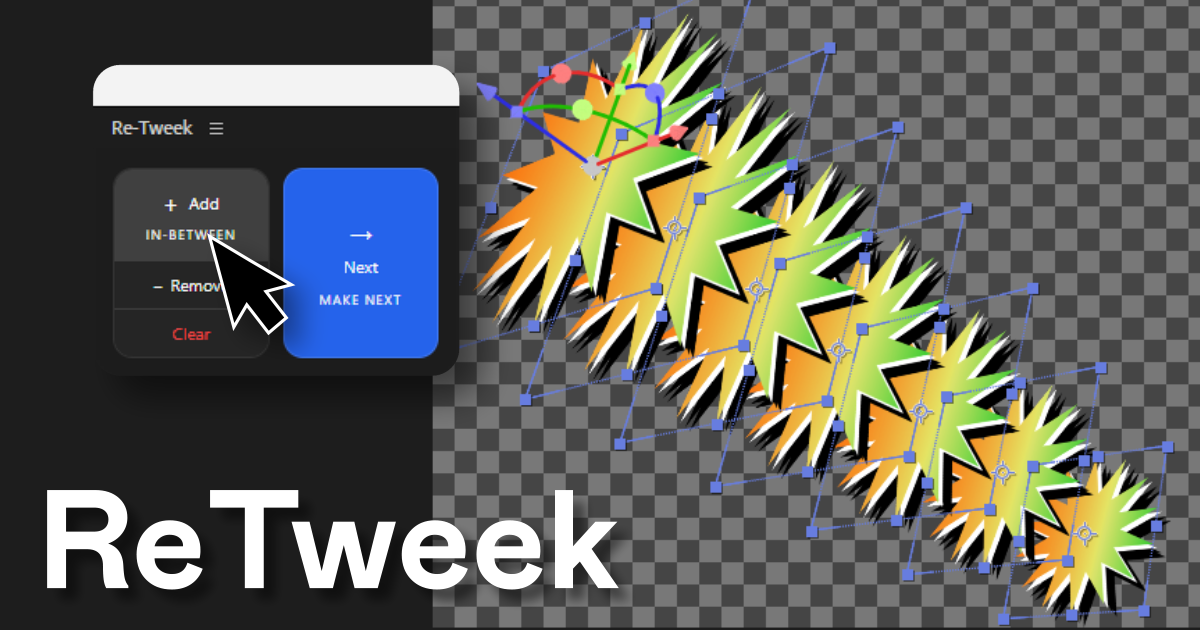
    Re-Tweek: Layer Tweening Tool

    Re-Tweek: Layer Tweening Tool

    Add in-between layers or predict the next one. Re-Tweek does the math for you.

    View Details
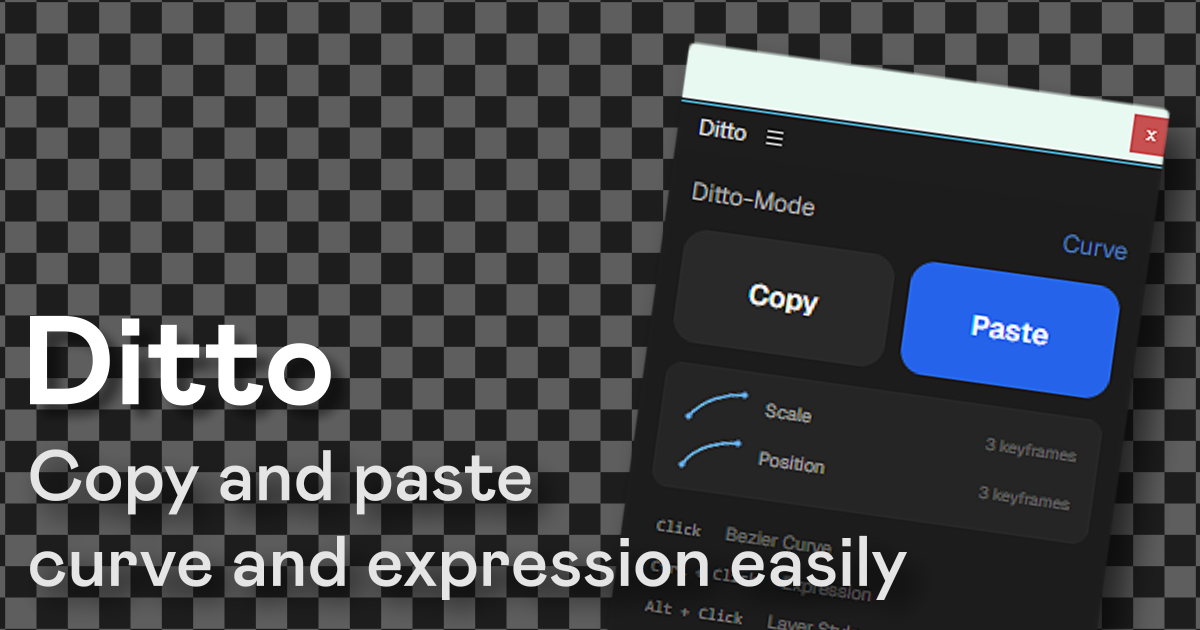
    Ditto: Copy-Paste for After Effects

    Ditto: Copy-Paste for After Effects

    Copy and paste bezier curves, expressions, and layer styles across properties and layers in one click.
    Download For Free