
Re-Tweek: Layer Tweening Tool
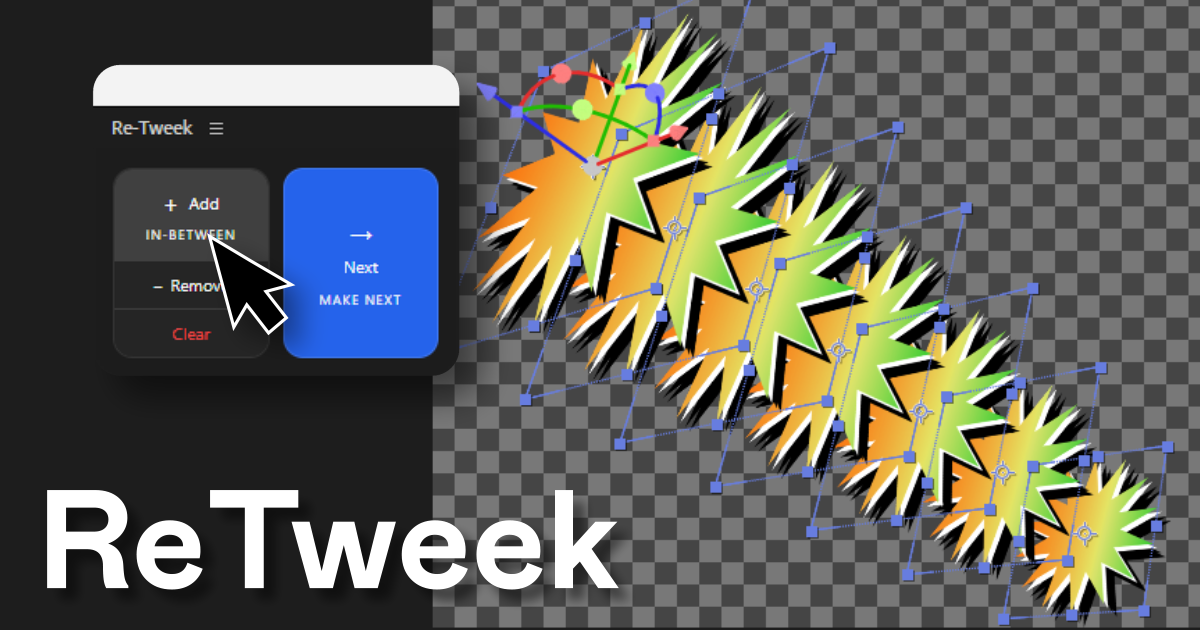
Add in-between layers or predict the next one. Re-Tweek does the math for you.
In-Between Layers
Pick two layers and Re-Tweek fills the gap. It spaces everything evenly and keeps your easing intact.
- •
Add as many in-betweens as you need
- •
Everything repositions automatically
- •
Remove one or clear them all
- •
Easing and keyframes stay clean
- •
Works with position, scale, rotation, and opacity
Make Next Layer
Re-Tweek looks at two layers and figures out where the next one should be. One click and it is done.
- •
Works with one or two layers selected
- •
Continues position, scale, rotation and opacity
- •
New layer gets selected right away
- •
Easing carries over automatically
System Requirements
Technical details to ensure smooth performance.
More Products
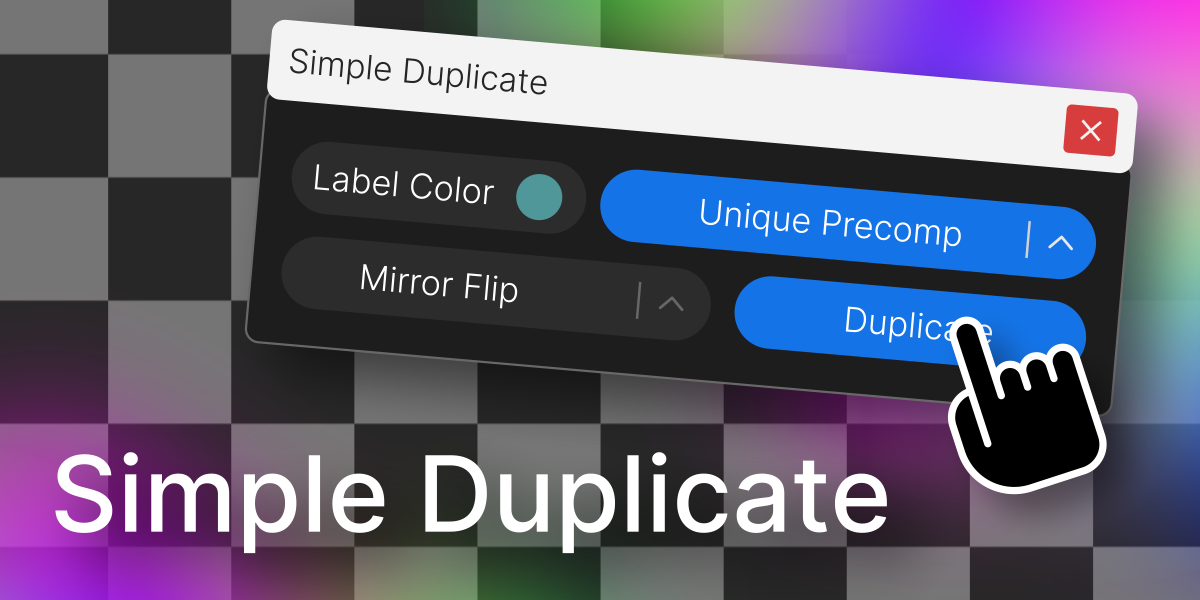
Simple Duplicate
Duplicate a layer with control over nesting levels, mirroring, and label color.
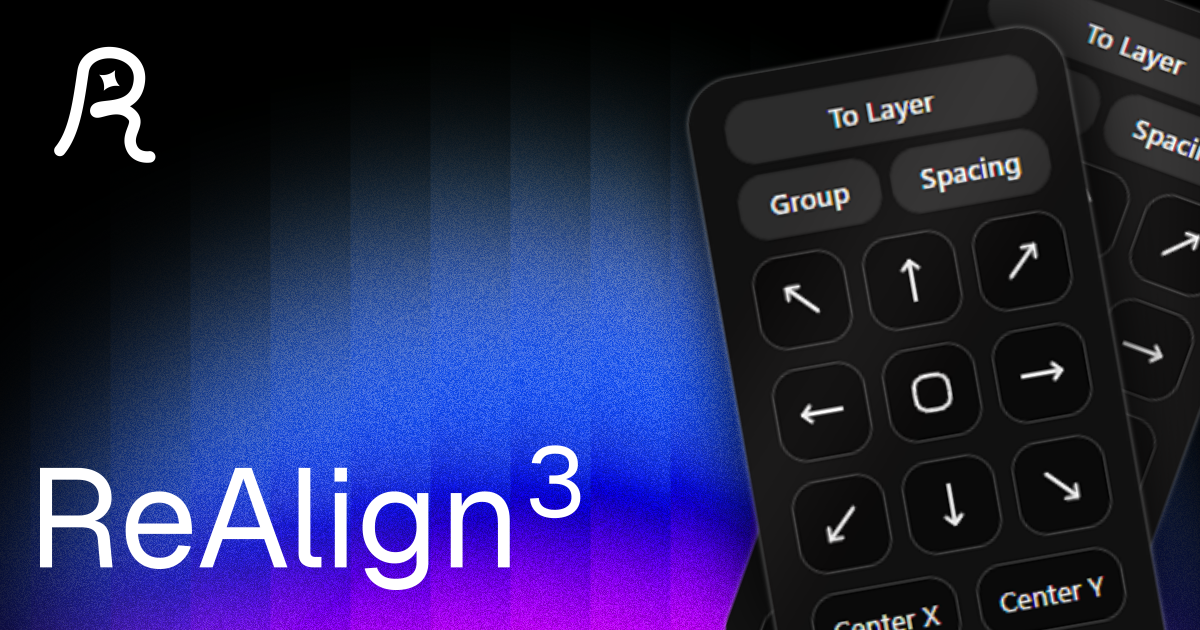
Re-Align: Layer Alignment Tool
Align layers and anchor points easily, add spacing, and organize your layouts.
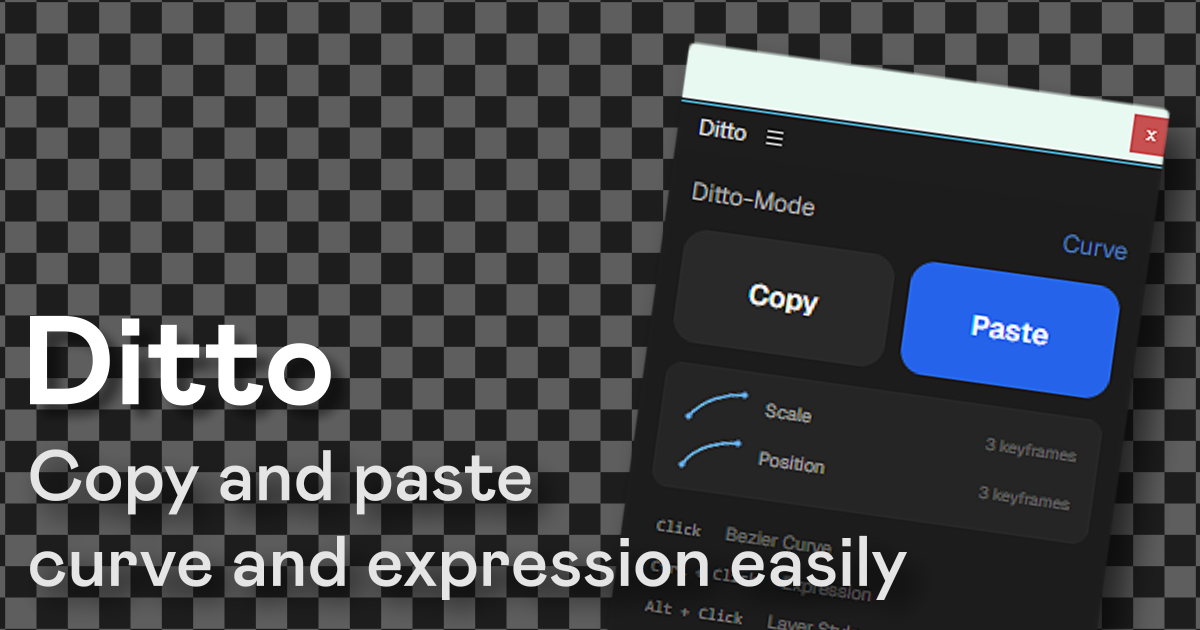
Ditto: Copy-Paste for After Effects
Copy and paste bezier curves, expressions, and layer styles across properties and layers in one click.