
Ditto: Copy-Paste for After Effects
Copy and paste bezier curves, expressions, and layer styles across properties and layers in one click.
Bezier Curve Copy & Paste
Copy timing curves from keyframed properties and paste them onto others. Works per-segment across multiple properties at once.
- •
Copies all curve segments, not just the first
- •
Matches target properties by name, then falls back to order
- •
Works across multiple selected properties at once
- •
Visual curve preview in the panel
Expression Copy & Paste
Copy expressions from selected properties or an entire layer and paste them onto new targets by name or index.
- •
Copy from selected props or walk the whole layer
- •
Paste by property index or match by name across layers
- •
Preserves enabled/disabled expression state
- •
Works across multiple layers at once
Layer Style Copy & Paste
Copy all layer styles from one layer and paste them onto any number of selected layers without moving the playhead.
- •
Copies all styles in one click
- •
Paste to multiple layers simultaneously
- •
Playhead position is preserved after paste
System Requirements
Technical details to ensure smooth performance.
More Products
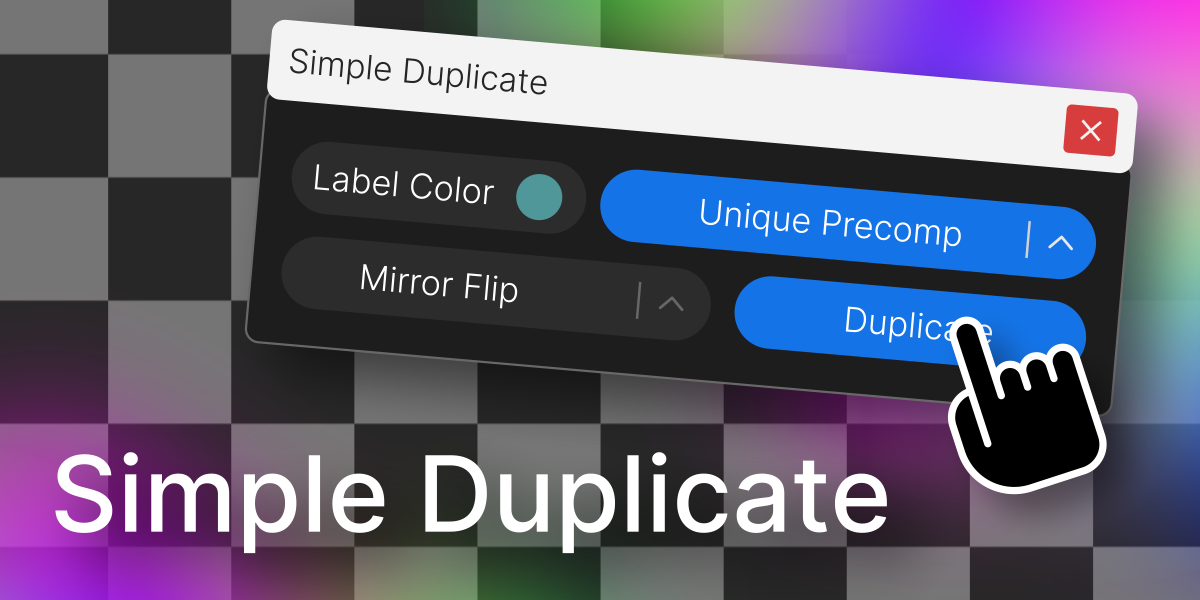
Simple Duplicate
Duplicate a layer with control over nesting levels, mirroring, and label color.

Re-Align: Layer Alignment Tool
Align layers and anchor points easily, add spacing, and organize your layouts.
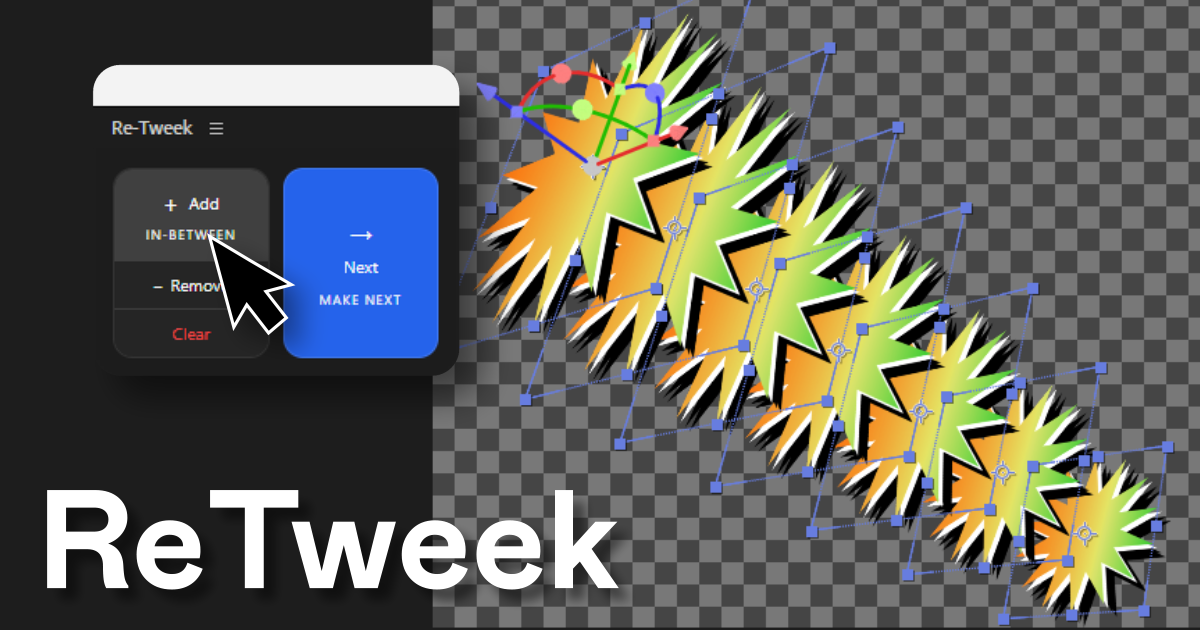
Re-Tweek: Layer Tweening Tool
Add in-between layers or predict the next one. Re-Tweek does the math for you.