
After Bite Alpha
A desktop app and After Effects plugin that work together. Search effects, fire actions, manage media, and build custom workflows - all from a floating UI that lives outside AE.
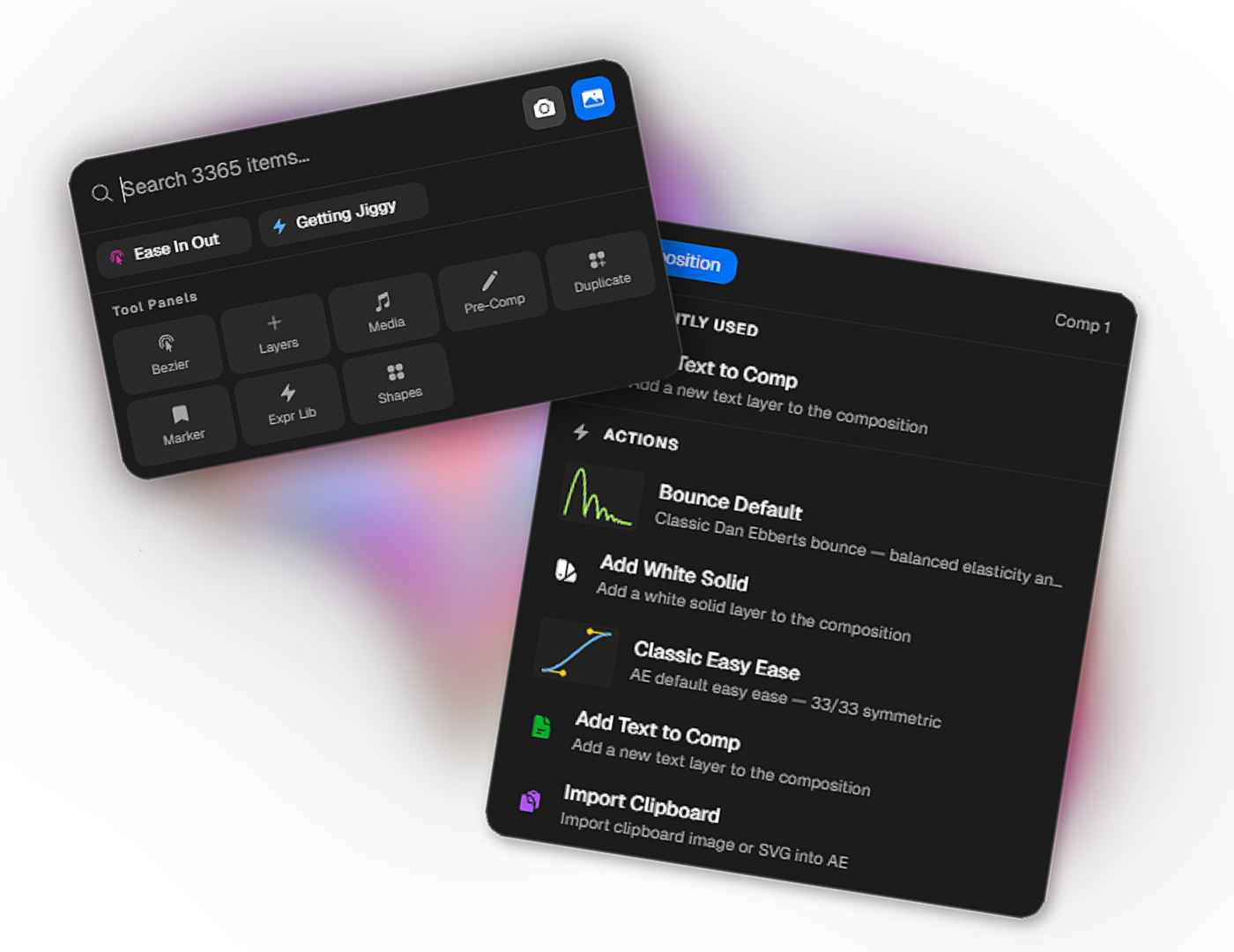
Two pieces, working together, never in your way.
Two pieces, working together, never in your way.
Desktop App + AE Plugin
After Bite is two things working together, a desktop app that floats over your workflow, and a lightweight CEP plugin installed inside After Effects that bridges the two.
- •
Global shortcut opens it
- •
CEP bridges it to AE
- •
Floating, transparent panels
- •
Every action shortcut-assignable
Find anything, fire anything, without leaving your comp.
Find anything, fire anything, without leaving your comp.
FX Searcher
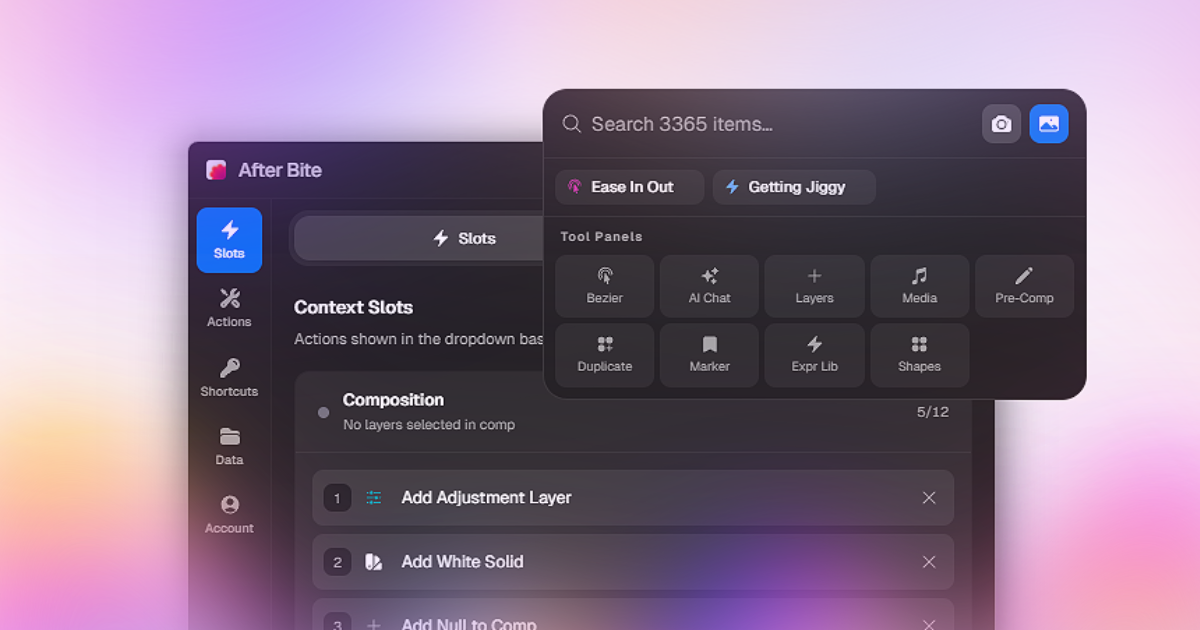
A spotlight-style floating search over every effect, preset, script, action, shape, and media file in your AE setup.
- •
Search effects, presets, scripts, media
- •
Fuzzy matching
- •
Multi-select, apply at once
- •
Capture & browse comp frames, right inside
- •
Global shortcut from anywhere
Create, duplicate, and organize layers your way.
Create, duplicate, and organize layers your way.
Add Layers Panel
A floating panel for adding any layer type to your comp, with full control over every option before you hit add.
- •
Add to comp, selected, or above
- •
Text, Solid, Shape, Camera, Light, Null
- •
Color, name, font, label, shape preset
- •
Save your setup as a one-click action
- •
Shortcut-assignable
Shape your motion, curves, timing, and expressions.
Shape your motion, curves, timing, and expressions.
Bezier Editor Panel
A floating panel for visually editing and applying bezier curves to your keyframes.
- •
Visual editor, draggable handles
- •
Applies to selected keyframes
- •
Pinnable and draggable
- •
Shortcut-assignable
Bring files, shapes, and assets into your project without leaving AE.
Bring files, shapes, and assets into your project without leaving AE.
Media Library Panel
A floating media browser for your local asset folders. Preview audio, video, and images, then import directly into AE.
- •
Add local folders as libraries
- •
Audio waveform preview & trim
- •
Scrubbable video preview
- •
One-click import into AE
- •
Shortcut-assignable
System Requirements
Technical details to ensure smooth performance.
How to Install
Just one download to get started. The AE plugin installs, updates, and uninstalls from inside the app itself.
Download the App
Download and install the After Bite desktop app for your OS. That's the only file you need.
Install the Plugin
Open the app and install the AE plugin from inside it, one click, no separate download.
Manage Anytime
Update or remove the plugin from the same app whenever you want. No manual file hunting.
About the security warning on first install
- This is an alpha build, so it isn't signed yet. Windows may show a warning the first time you open it.
- Click "More info" then "Run anyway" to proceed.
- If you'd rather not run unsigned software during alpha testing, that's completely understandable, no pressure to install.
More Products

Re-Align: Layer Alignment Tool
Align layers and anchor points easily, add spacing, and organize your layouts.
Free
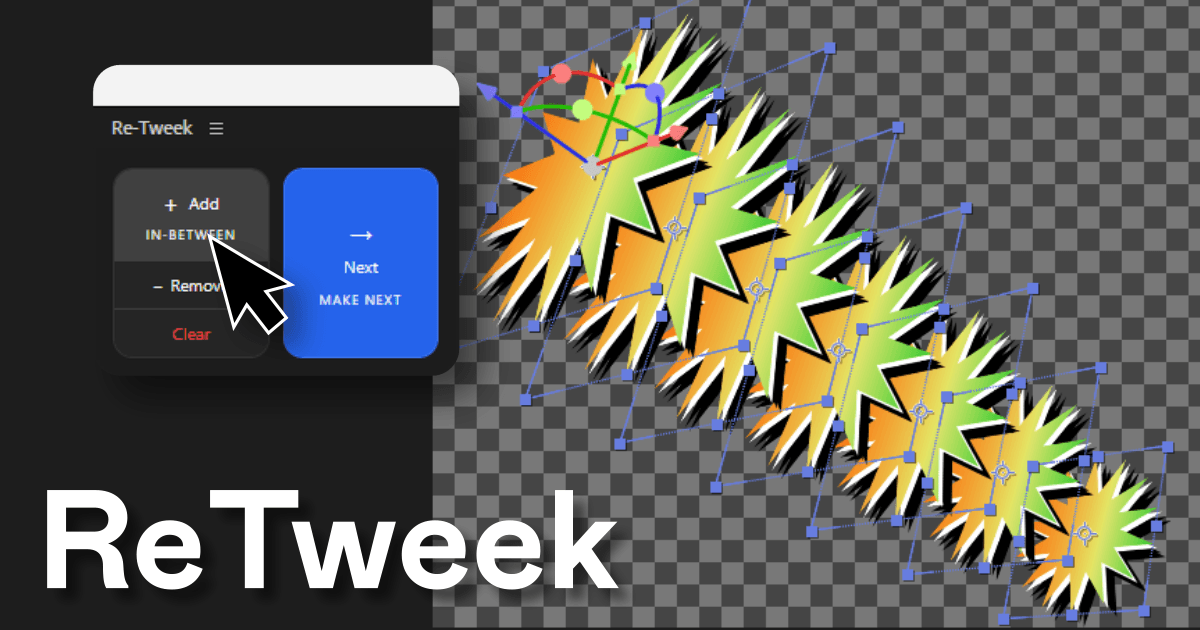
Re-Tweek: Layer Tweening Tool
Add in-between layers or predict the next one. Re-Tweek does the math for you.
$4.99
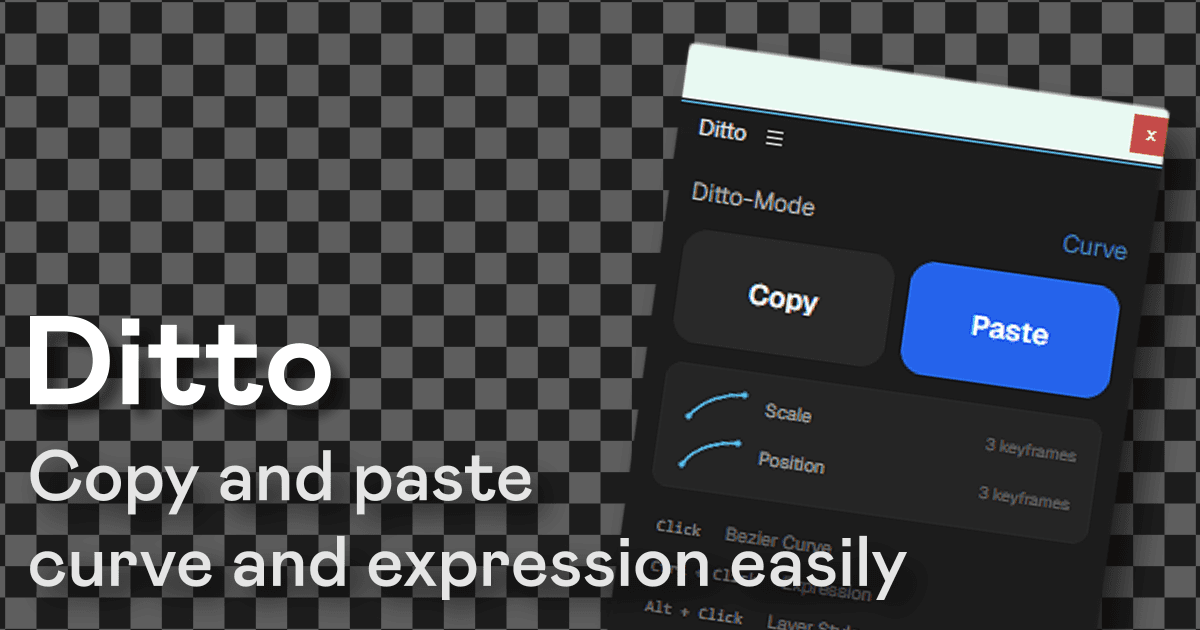
Ditto: Copy-Paste for After Effects
Copy and paste bezier curves, expressions, and layer styles across properties and layers in one click.
$7.99