
Re-Duplicate: Layer Duplicator
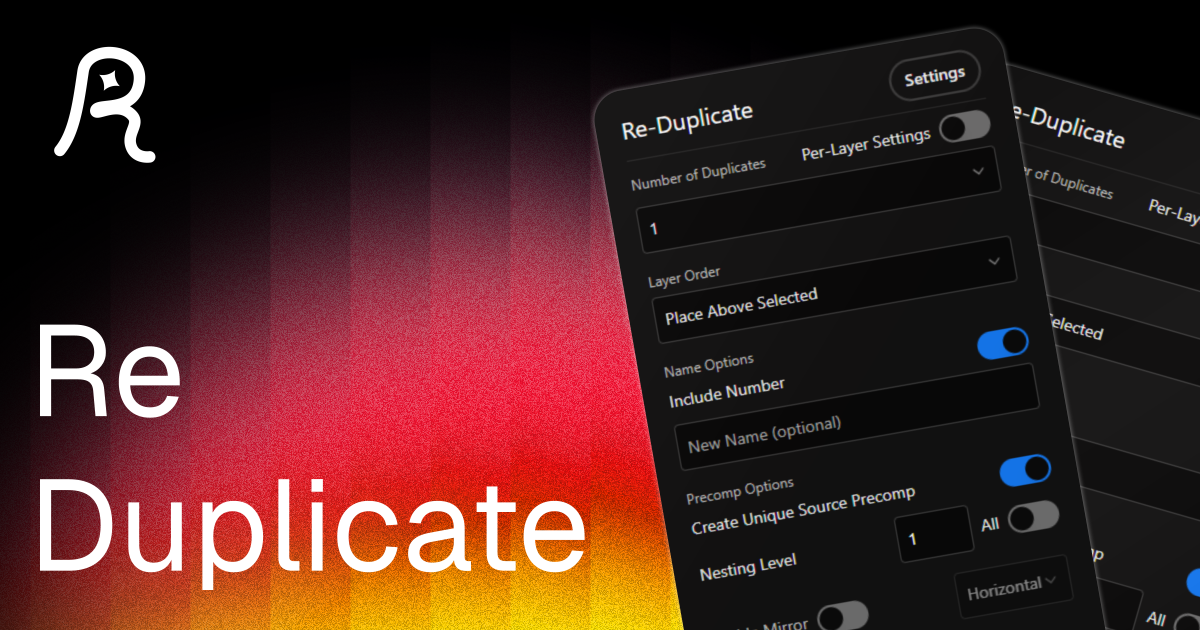
Duplicate layers with full control over naming, order, mirroring, and transforms, all in one panel.
Main Features
Everything you need to duplicate layers the way you want — control order, naming, colors, and layer attributes in one place.
- •
Layer Order: Place duplicates above or below the selected layer
- •
Number of Duplicates: Choose how many duplicates to create (up to 10)
- •
Name Options: Add prefix, suffix, or change the name entirely
- •
Label Colors: 16 label colors plus random color option for duplicates
- •
Layer attributes: Enable 3D, motion blur, hide, solo, and lock layer options
Per-Layer Settings Mode
Give each duplicate its own name, color, and transform properties independently.
- •
Individual Configuration: Set unique properties for each duplicate
- •
Copy Settings: Easily copy current settings to all duplicates
- •
Custom Names: Different prefix, suffix, and names for each duplicate
- •
Unique Properties: Different layer attributes, colors, and transforms per duplicate
- •
Visual Layer Selector: Easy navigation between duplicate configurations
Mirror Feature
Flip duplicates horizontally, vertically, or both — position, scale, and rotation adjust automatically.
- •
Horizontal Mirror: Flip the duplicated layers horizontally
- •
Vertical Mirror: Flip the duplicated layers vertically
- •
Both Mirror: Flip the duplicated layers both horizontally and vertically
- •
Keyframe Support: Works with animated properties and keyframes
- •
Smart Transform: Automatically adjusts position, scale, and rotation
Enhanced Precomp Options
Duplicate precomps as independent sources with custom nesting depth and automatic folder organization.
- •
Create Unique Source Precomps: Duplicate precomps as independent sources
- •
Custom Nesting Levels: Choose how deep to duplicate nested precomps (1-∞)
- •
All Nested Levels: Option to duplicate all nested precomps infinitely
- •
Project Folder Organization: Automatically create and organize duplicated sources
- •
Folder Customization: Custom folder names and 16 color label options
- •
Smart Source Management: Handles complex nested precomp structures
Customizable Interface
Hide sections you don't need, reorder the interface, and save your preferences so the panel always opens the way you like it.
- •
Show/Hide Sections: Display only the features you use
- •
Custom Color Palettes: Choose which label colors to show
- •
Section Reordering: Arrange interface sections in your preferred order
- •
Streamlined Workflow: Remove clutter and focus on your needs
- •
Save Preferences: Your customizations persist between sessions
System Requirements
Technical details to ensure smooth performance.
More Products

Re-Align: Layer Alignment Tool
Align layers and anchor points easily, add spacing, and organize your layouts.
Free
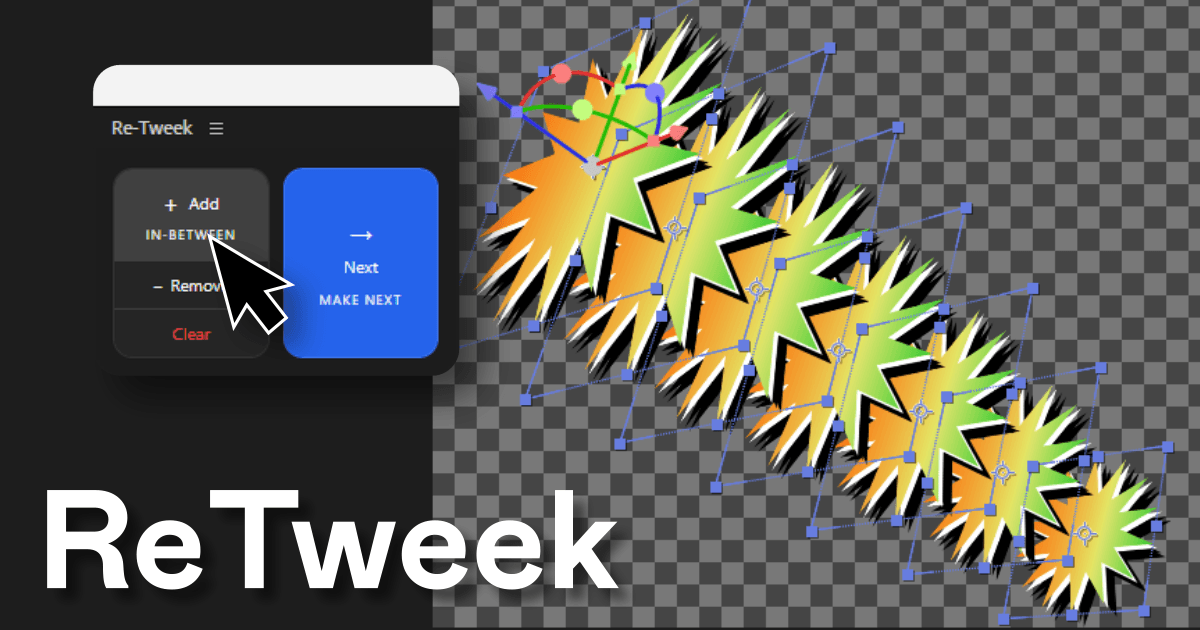
Re-Tweek: Layer Tweening Tool
Add in-between layers or predict the next one. Re-Tweek does the math for you.
$4.99
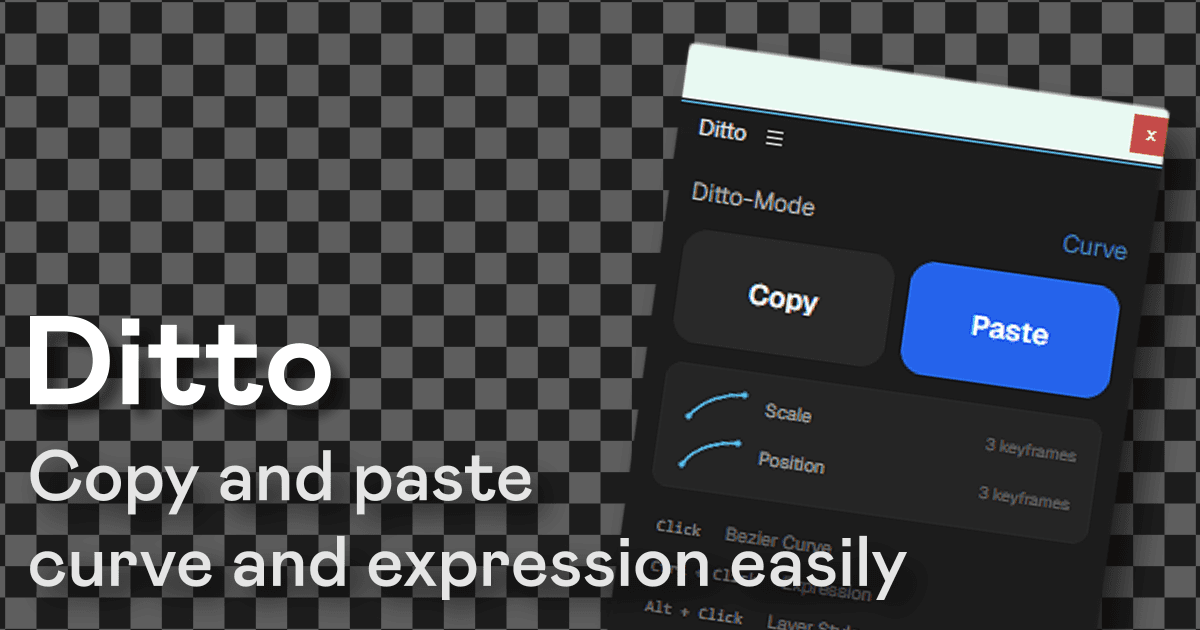
Ditto: Copy-Paste for After Effects
Copy and paste bezier curves, expressions, and layer styles across properties and layers in one click.
$7.99